

Personal logins, roles, shared cases and an audit log for teams, government agencies and law enforcement.
Many teams run OSINT from one shared login. Nobody can tell who searched what, a leaving colleague keeps the password, and there is no record to show an auditor. OsintX Organizations replace the shared account with personal logins, roles and an audit log.
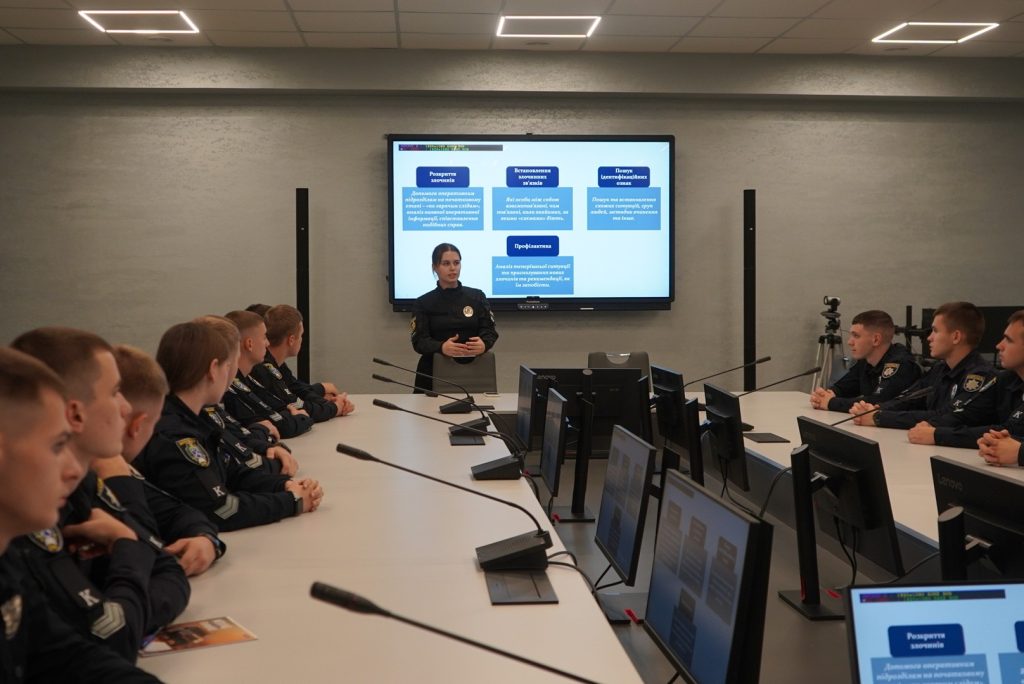
Organizations work for companies, government agencies and law enforcement units. Government and law enforcement organizations are free after verification.
Three organization types
- Company: created by any user with an active Basic, Pro or Enterprise plan. Basic includes 3 seats, Pro 5 seats and Enterprise 25 seats.
- Government: free, verified organization for ministries, regulators, CERTs and other public bodies.
- Law enforcement: free, verified organization for police, prosecutors and investigation units.
Free access for public bodies
Apply at /government or /law-enforcement. We check the request against your official email address and website, then create a verified organization with a paid plan and team seats at no cost, and invite you as owner.
Roles decide who can do what
- Owner: full control, including settings and security policy
- Admin: manages members, invites and shared cases, sees the audit log
- Analyst: runs searches and edits shared cases
- Viewer: reads shared cases, cannot search
Admins can invite analysts and viewers. Only the owner hands out the admin role. Invite links are valid for 7 days, and members and open invites count towards seats.
Security policies for agencies
- Require two-factor authentication for every member
- Require a case reference before a member can search, so each search ties to a file number
- Limit session lifetime to 8, 12, 24, 72 or 168 hours
- Allow invites only for approved email domains, such as your agency domain
- Set a daily search limit per member, suspend members or sign them out of all devices
Audit log and overview
The audit log records every search, invite, role change, policy change and case edit. Owners and admins can filter and export it for internal review or oversight bodies. The overview shows searches per day, active members and the most active members.
What government teams search for
- Your own domains in breach data, to find leaked staff credentials
- Stealer logs that contain staff logins, to find infected devices
- Emails, usernames, Discord IDs, IPs and domains from an open case